Learning how to generate health infographics with AI opens new avenues for effectively communicating complex health data through visually compelling formats. As health information becomes increasingly vital, leveraging AI tools simplifies the creation process, enabling professionals to produce accurate and engaging visualizations efficiently. This approach not only enhances understanding but also fosters better health awareness among diverse audiences.
By understanding the principles of AI-assisted design, selecting appropriate tools, preparing data meticulously, and customizing visual elements, users can craft impactful health infographics. Incorporating interactivity and ensuring ethical standards further elevate the quality and credibility of these visualizations, making them valuable assets in health communication and digital platforms.
Understanding the Concept of AI-Generated Health Infographics
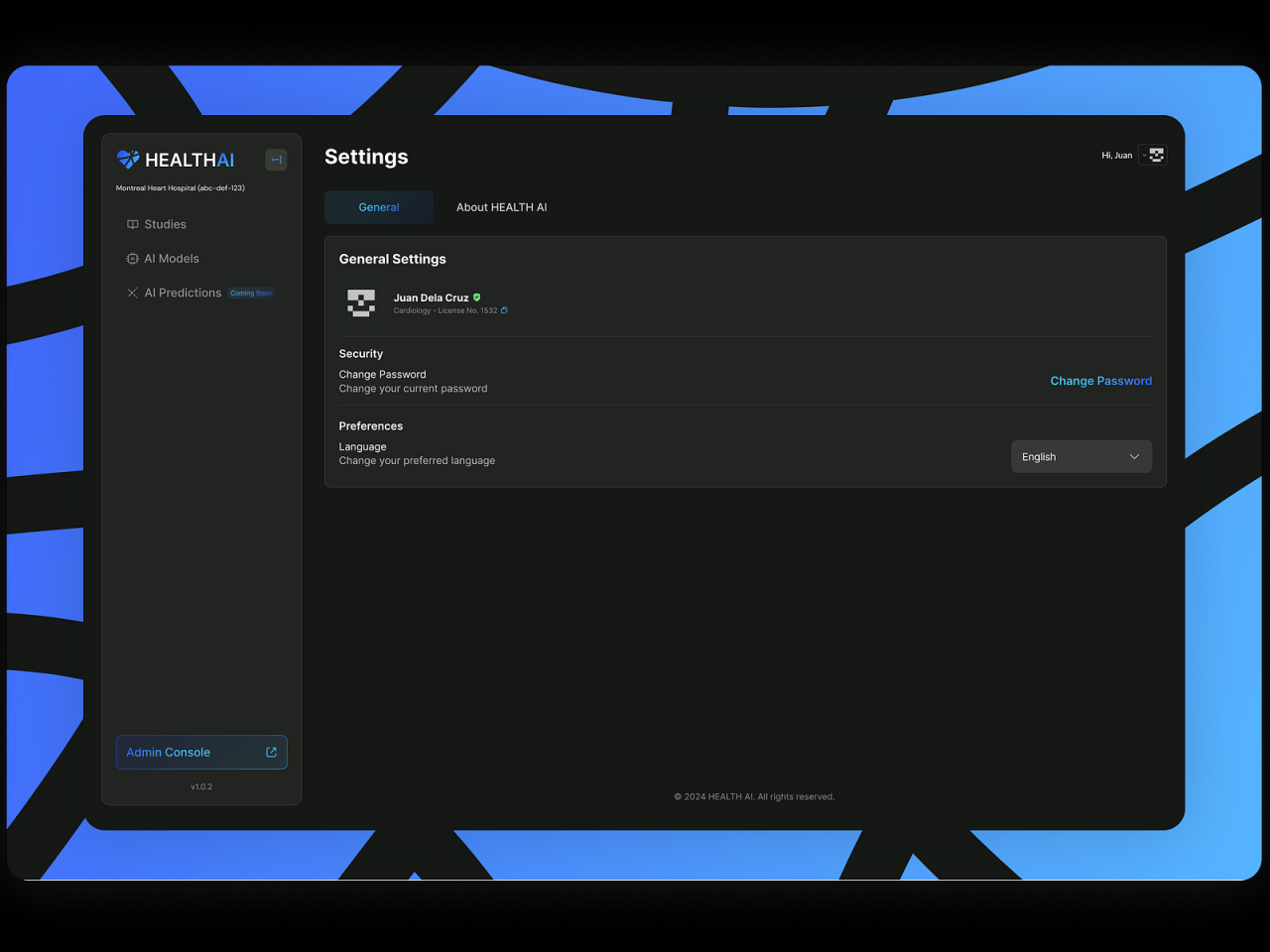
In the realm of health communication, visual data representation plays a crucial role in effectively conveying complex information to diverse audiences. With the advent of artificial intelligence (AI), the process of creating health infographics has become more streamlined, accurate, and accessible. AI-generated health infographics combine advanced algorithms with vast datasets to produce compelling visual summaries that enhance understanding and engagement.
These tools leverage machine learning, natural language processing, and data visualization technologies to automate the design process while ensuring precision and clarity. By integrating AI, health professionals and communicators can swiftly transform raw health data—such as epidemiological statistics, clinical trial results, or public health surveys—into visually appealing formats that facilitate better comprehension and decision-making.
Significance of Visual Data Representation in Health Communication
Visual data representation is vital in health communication because it simplifies complex information, making it accessible to a broad audience. Infographics can highlight key trends, compare data points, and illustrate relationships that might be overlooked in textual descriptions. This clarity fosters awareness, supports public health initiatives, and enhances education efforts.
Effective health infographics can influence behaviors, dispel myths, and promote preventive measures by presenting data compellingly. For instance, visualizing vaccination rates alongside disease prevalence helps communities understand the importance of immunization programs more intuitively than through textual data alone.
How AI Tools Facilitate the Creation of Health Infographics
AI tools streamline the creation of health infographics by automating data processing, design, and customization. These platforms analyze raw health data to identify significant patterns, generate suitable visual formats, and adjust color schemes and layouts to optimize readability and aesthetic appeal. AI-driven software often includes features such as natural language generation, which can produce captions and insights to accompany the visuals.
Additionally, AI tools enable real-time updates, allowing health professionals to maintain current and relevant visualizations as new data becomes available. The automation reduces manual effort, minimizes errors, and accelerates the dissemination of vital health information, which is particularly crucial during health crises like pandemics.
Types of Health Data Suitable for Infographic Visualization
Not all health data lends itself equally to visualization; suitable data is typically quantitative, categorical, or time-series information that benefits from graphical representation. These include epidemiological statistics, clinical trial outcomes, demographic health surveys, and public health metrics.
Examples of health data ideal for infographics encompass disease incidence and prevalence rates, vaccination coverage percentages, mortality and morbidity statistics, risk factor distributions, and healthcare access indicators. Visualizing such data helps identify patterns, disparities, and trends, supporting targeted interventions and policy formulation.
Accurate and well-designed infographics serve as vital tools in translating complex health data into actionable insights, fostering informed decision-making across healthcare sectors.
Selecting Appropriate AI Tools for Infographic Generation
Choosing the right AI-powered platform for creating health infographics is a crucial step that can significantly influence the quality, efficiency, and effectiveness of your visual communication. The landscape of AI infographic tools offers a variety of options, each tailored to different levels of customization, data handling, and user expertise. An informed selection ensures that the tools align with your project goals, available resources, and desired outcomes, enabling the production of engaging and accurate health visuals that resonate with your target audience.
When evaluating AI-driven infographic design platforms, it is essential to consider features such as ease of use, customization capabilities, data integration options, and output quality. Many platforms incorporate machine learning algorithms that automate complex design tasks, allowing users to generate professional-quality visuals with minimal effort. Additionally, seamless data integration is vital for health infographics, as it ensures that the information presented is current, verified, and tailored to specific health topics or patient demographics.
A thoughtful selection process involves understanding these functionalities and assessing how well each tool can meet the unique needs of health communication projects.
Comparison of Popular AI-Powered Infographic Design Platforms
Several AI-based infographic tools are widely recognized for their capabilities and user-friendliness. Below is an overview of some of the most prominent platforms, highlighting their features and suitability for health-related projects:
| Platform | Key Features | Customization & Data Integration | Ease of Use |
|---|---|---|---|
| Canva Pro with AI Features | Intuitive drag-and-drop interface, AI-powered design suggestions, templates tailored for health topics | Supports importing data from Excel, Google Sheets; enables branding and style customization | High; suitable for users with minimal design experience |
| Visme | AI-driven layout recommendations, interactive elements, health-specific templates | Data import from spreadsheets, integration with data sources, customizable charts and graphs | Moderate; requires basic familiarity with data visualization |
| Piktochart | Automated design layouts, health infographic templates, AI-assisted styling | Supports uploading data files, customizable color schemes, and icons | High; user-friendly for non-designers |
| Designs.ai | AI-powered content and visual generation, diverse templates, health theme options | Easy data input, customizable elements, branding capabilities | High; minimal technical expertise needed |
While each platform offers unique strengths, selecting the optimal tool depends on project scope, desired level of customization, and data complexity. For instance, Canva Pro is excellent for quick, visually appealing infographics with moderate data integration, while Visme provides advanced options suited for more detailed health data visualization. Piktochart balances simplicity with powerful features, making it a popular choice among health communicators.
Designs.ai stands out for its AI-generated content capabilities, ideal for projects requiring rapid development and diverse outputs.
Steps to Access and Set Up AI Tools for Health Infographic Projects
Establishing an effective workflow involves systematically accessing and configuring AI infographic platforms tailored for health projects. The setup process can vary slightly across tools but generally follows a similar sequence:
- Create an Account: Sign up on the chosen platform, often free with optional premium features. Validation through email or professional credentials may be required for full access.
- Select a Template or Start from Scratch: Choose health-specific templates or begin with a blank canvas to tailor the design to your needs.
- Import Data: Upload relevant health data from spreadsheets, databases, or linked sources. Ensure data accuracy and proper formatting to facilitate seamless integration.
- Customize Design Elements: Use the platform’s AI suggestions to adjust layouts, color schemes, fonts, and icons. Leverage AI-driven features to enhance visual appeal and clarity.
- Refine and Preview: Review the infographic, making necessary adjustments to data labels, images, and text. Utilize preview functions to assess visual impact across devices.
- Export and Share: Save the final version in appropriate formats (PNG, PDF, interactive HTML) for dissemination via web, print, or presentations. If available, use platform sharing options for direct publication or embedding.
Proper setup and configuration of AI tools streamline the creation process, ensuring that health infographics are not only visually engaging but also grounded in accurate data representation. Familiarity with the platform’s features and data management capabilities enhances productivity and the final quality of your health communication materials.
Preparing Data for AI-Generated Health Infographics

Effective visualization relies heavily on the quality and organization of health data. Preparing this data meticulously ensures that AI tools can generate accurate, insightful, and visually appealing health infographics. This process involves structuring raw data appropriately, cleansing it to eliminate errors, and validating its accuracy to maintain integrity throughout the visualization process. Proper preparation not only enhances the clarity of the resulting infographics but also facilitates meaningful analysis and decision-making in healthcare contexts.Preparing data for AI-driven health infographics requires assembling information in a clear and accessible format.
Structured datasets enable AI algorithms to interpret, process, and transform data into visual formats efficiently. Rigorous cleansing removes inconsistencies and inaccuracies, ensuring the data’s reliability. Validation confirms that the data accurately represents real-world health metrics, which is crucial in medical and public health applications where decisions can impact patient outcomes and policy formulation.
Organizing Health Data in Structured Formats
Organizing health data into structured formats such as spreadsheets or databases is fundamental for seamless integration with AI tools. Structured data allows for easy sorting, filtering, and manipulation, enabling AI algorithms to extract relevant insights promptly. When creating datasets, consider the key health metrics pertinent to your visualization goals, ensuring each data point is clearly labeled and categorized.
- Use spreadsheets like Microsoft Excel or Google Sheets to create organized data tables with consistent column headers.
- Employ relational databases (e.g., MySQL, PostgreSQL) when managing large or complex datasets requiring advanced querying.
- Standardize data formats across datasets to facilitate interoperability and reduce errors.
- Maintain detailed metadata that describes the data source, collection date, measurement units, and any relevant contextual information for transparency and reproducibility.
Cleansing and Validating Health Datasets
Ensuring the accuracy of health data is essential before it is processed by AI systems. Data cleansing involves identifying and correcting errors, removing duplicates, and handling missing values. Validation procedures confirm that data correctly reflects real-world health phenomena, which is especially critical when using datasets for public health recommendations or clinical decision support.
- Conduct consistency checks to identify anomalies such as outliers or improbable values (e.g., a recorded blood pressure of 500 mmHg).
- Use statistical methods or visualization tools to detect missing or inconsistent data points.
- Apply data validation rules, such as ensuring all age entries are within a plausible range (0-120 years).
- Cross-verify data with trusted sources, such as national health databases or research publications, to confirm accuracy.
“Data cleansing and validation are foundational steps that uphold the integrity of health analytics and visualizations, enabling trustworthy and actionable insights.”
Sample Health Data Tables for Visualization
Below are examples of structured datasets, up to four columns, that can be used for creating health infographics. These tables encompass various health metrics relevant to epidemiological studies, public health reports, or clinical summaries.
| Region | Average Blood Pressure (mmHg) | Obesity Rate (%) | Smoking Prevalence (%) |
|---|---|---|---|
| North America | 125/80 | 28 | 15 |
| Europe | 122/78 | 24 | 20 |
| Asia | 118/75 | 12 | 25 |
| Africa | 130/85 | 10 | 8 |
This sample data provides a clear overview of regional health indicators, suitable for visual comparison using bar graphs, pie charts, or heat maps. Ensuring data accuracy and consistency in these tables will facilitate the generation of meaningful and visually engaging health infographics through AI tools.
Designing Health Infographics Using AI

Transforming complex health data into visually engaging and informative infographics is a crucial step in effective health communication. Utilizing AI tools for designing these visuals allows for efficient, accurate, and creative representations of data, making health information accessible and impactful for diverse audiences. Proper design choices enhance clarity, facilitate understanding, and support decision-making processes in healthcare settings.
In this section, we explore methods for inputting data into AI tools for automated graphic generation, customizing visual elements such as colors, icons, and layouts to enhance clarity and aesthetic appeal, and selecting appropriate chart types suited for various data formats. Additionally, we Artikel a step-by-step approach to creating a health infographic from raw data, ensuring a structured and effective design workflow.
Inputting Data into AI Tools for Automatic Graphic Generation
Effective data input is fundamental for generating meaningful health infographics with AI. Most AI graphic design tools accept data through structured formats such as spreadsheets, CSV files, or direct API integrations. Ensuring data accuracy and proper formatting is essential to obtain reliable visual outputs.
Begin by organizing your health data into clear categories. For example, if visualizing vaccination rates, structure your data with columns such as ‘Region,’ ‘Number of Vaccinations,’ and ‘Percentage.’ Upload the data into the AI tool using the import function, or connect via API if the tool supports real-time data fetching. Many AI platforms automatically recognize data types and suggest suitable visualization options based on the input.
Customizing Colors, Icons, and Layouts for Clarity and Impact
Customization enhances the visual appeal and comprehensibility of health infographics. AI tools typically provide user-friendly interfaces to modify colors, icons, and layouts, ensuring that the visual design aligns with branding, target audience, and the message being conveyed.
Use contrasting colors to differentiate data categories clearly. For instance, apply green shades for positive health outcomes and red for areas needing attention. Incorporate relevant icons—such as syringe symbols for vaccinations or heart icons for cardiovascular health—to make data points instantly recognizable. Adjust layouts to prioritize key messages, balancing text and visuals to avoid clutter.
Effective visualization involves using consistent color schemes and icons that resonate with the audience, thereby fostering quick comprehension and engagement.
Selecting Suitable Chart Types for Different Data
Choosing the appropriate chart type is vital for accurately representing health data. Different data structures and insights require specific visualization methods to communicate effectively.
Pie charts are useful for illustrating proportions, such as the distribution of disease types within a population. Bar charts excel at comparing quantities across categories, like vaccination rates among different age groups or regions. Line charts are ideal for showing trends over time, such as the increase in cases of a particular illness over months. Histograms can be employed to analyze the frequency distribution of health metrics like blood pressure readings.
Steps to Create a Health Infographic from Data
Following a structured process ensures a systematic and efficient approach to infographic creation with AI tools. Here is a typical sequence of steps:
- Organize Data: Prepare your health data in a clean, structured format, ensuring accuracy and completeness.
- Import Data: Upload the dataset into the chosen AI infographic tool via CSV, Excel, or API connection.
- Select Visualization Type: Based on your data, choose the most appropriate chart or graphic type suggested by the AI platform.
- Customize Visual Elements: Adjust colors, icons, and layout options to improve clarity and aesthetic appeal, making sure key messages are highlighted.
- Refine and Validate: Review the infographic for accuracy, readability, and visual balance. Make necessary adjustments to ensure the visual effectively communicates the intended message.
- Export and Share: Save the finalized infographic in suitable formats such as PNG, JPEG, or PDF for dissemination through reports, presentations, or online platforms.
Enhancing Infographics with Descriptive Elements and Annotations
Creating compelling and informative health infographics extends beyond visual appeal; it necessitates the thoughtful integration of descriptive elements and annotations that clarify data, highlight key insights, and facilitate viewer understanding. Well-placed labels, legends, and notes transform raw data into meaningful narratives, empowering viewers to grasp complex health information efficiently. This chapter explores practical strategies to enrich AI-generated health infographics with these vital components, ensuring clarity and impactful communication.Effective annotations serve as interpretive guides within an infographic, providing context and elaboration for specific data points or visual elements.
Incorporating informative labels directly within the graphic helps clarify what each section or statistic represents, reducing ambiguity for viewers. Legends, on the other hand, are essential for explaining symbols, color codes, or patterns used throughout the graphic, enabling users to interpret the visual language accurately. Descriptive notes or callouts can be employed to emphasize particular health trends or noteworthy findings, guiding viewer attention toward the most critical insights.Utilizing visual hierarchy is fundamental in emphasizing key health data points.
By adjusting size, color contrast, and positioning, designers can create a clear focus on the most significant information. For example, using larger fonts or bolder colors for vital statistics like infection rates or vaccination coverage can draw immediate attention. Conversely, less critical data can be subdued through muted colors or smaller font sizes. Strategically applying these principles ensures that viewers intuitively prioritize the most relevant health messages, making the infographic both informative and engaging.Incorporating descriptive elements and annotations within AI-generated health infographics enhances their educational value and accessibility.
Thoughtful labeling, notes, and effective use of visual hierarchy not only improve comprehension but also facilitate better decision-making based on the presented data. These enhancements make health information more memorable and impactful, ultimately supporting public health communication efforts with clarity and precision.
Incorporating Interactivity and Dynamic Content

Enhancing health infographics with interactive and dynamic elements significantly improves user engagement and the accessibility of complex health data. Incorporating features such as tooltips, clickable sections, and links to external resources transforms static visuals into informative tools that users can explore in depth. This approach facilitates personalized learning experiences and provides immediate access to supplementary information, thereby fostering a more comprehensive understanding of health topics.Embedding interactivity involves implementing various web-based techniques and tools that allow users to actively engage with the infographic.
Dynamic content can include hover-over tooltips that display additional data, clickable segments that reveal detailed insights, or sliders that animate data changes over time. Linking infographic data to external health resources, such as reputable medical databases or official health organization pages, ensures users can verify information and access further reading. Exporting interactive infographics in suitable formats like HTML5, SVG, or embed codes enhances their usability across digital platforms, including websites, online reports, and educational modules.
Methods to Embed Interactive Elements
Effective interactivity starts with selecting the right tools and techniques to embed features within the infographic. Modern web technologies such as HTML5, CSS3, and JavaScript are foundational for creating interactive health visuals. Libraries like D3.js and Chart.js facilitate the development of dynamic charts and graphs that respond to user actions.To embed tooltips, developers can utilize JavaScript event listeners that trigger additional information upon user hover or click.
For example, hovering over a segment of a pie chart illustrating disease prevalence can display statistical details like incidence rates or risk factors. Clickable sections can be linked to specific parts of the infographic, enabling users to drill down into detailed explanations or related health topics.
- Implementing Tooltips: Use JavaScript libraries such as Tippy.js or Bootstrap Tooltip to create responsive, styled pop-up boxes that show supplementary data without cluttering the main visual.
- Clickable Regions: Define SVG elements with clickable properties or overlay transparent buttons to make sections responsive to user clicks, allowing seamless navigation to related content or detailed views.
- Embedding External Links: Integrate anchor tags within the infographic that direct users to authoritative health websites, such as the World Health Organization or CDC, for in-depth information and verification.
Linking Data to External Health Resources
Establishing connections between infographic data and external authoritative resources enriches the user experience by providing credible, up-to-date information. This practice sustains the accuracy of health messaging and encourages users to explore validated sources for further learning.To effectively link data points to external resources, consider embedding hyperlinks within clickable sections or tooltips. For example, a segment illustrating vaccination rates could include a link to the corresponding page on the CDC website, offering detailed statistics and recommendations.
Such links should be clearly indicated, using visual cues like underlined text or icons, to ensure users recognize them as external references.This approach also involves integrating QR codes or short URLs within the infographic, especially for mobile users, enabling quick access to comprehensive resources. When designing these links, ensure they open in new browser tabs to maintain the user’s position within the interactive infographic, preventing disruption of the learning flow.
Exporting Infographics for Digital Platforms
The versatility of health infographics depends heavily on their ability to be exported in formats compatible with various digital platforms. Exporting options should preserve interactivity where possible, or at least ensure high visual fidelity for static versions.Common formats for digital dissemination include:
- HTML5: Ideal for fully interactive infographics, allowing embedding directly into webpages with all dynamic features intact.
- SVG (Scalable Vector Graphics): Supports interactivity and high-resolution visuals suitable for responsive web design and online sharing.
- PDF: Suitable for static, high-quality print or downloadable resources, with options to embed hyperlinks and annotations.
- Image formats (PNG, JPEG): Use for static visual sharing where interactivity is unnecessary, such as social media or printed materials.
Procedures for exporting involve selecting the appropriate software tools—such as Adobe Illustrator, Canva, or AI-powered infographic tools—that support these formats. Ensure that interactive features are tested post-export to verify functionality. When preparing infographics for digital platforms, optimize file sizes to balance quality and load times, especially for mobile accessibility. Additionally, consider responsive design principles to ensure the infographic displays effectively across devices with varying screen sizes.
Validating and Sharing AI-Generated Health Infographics
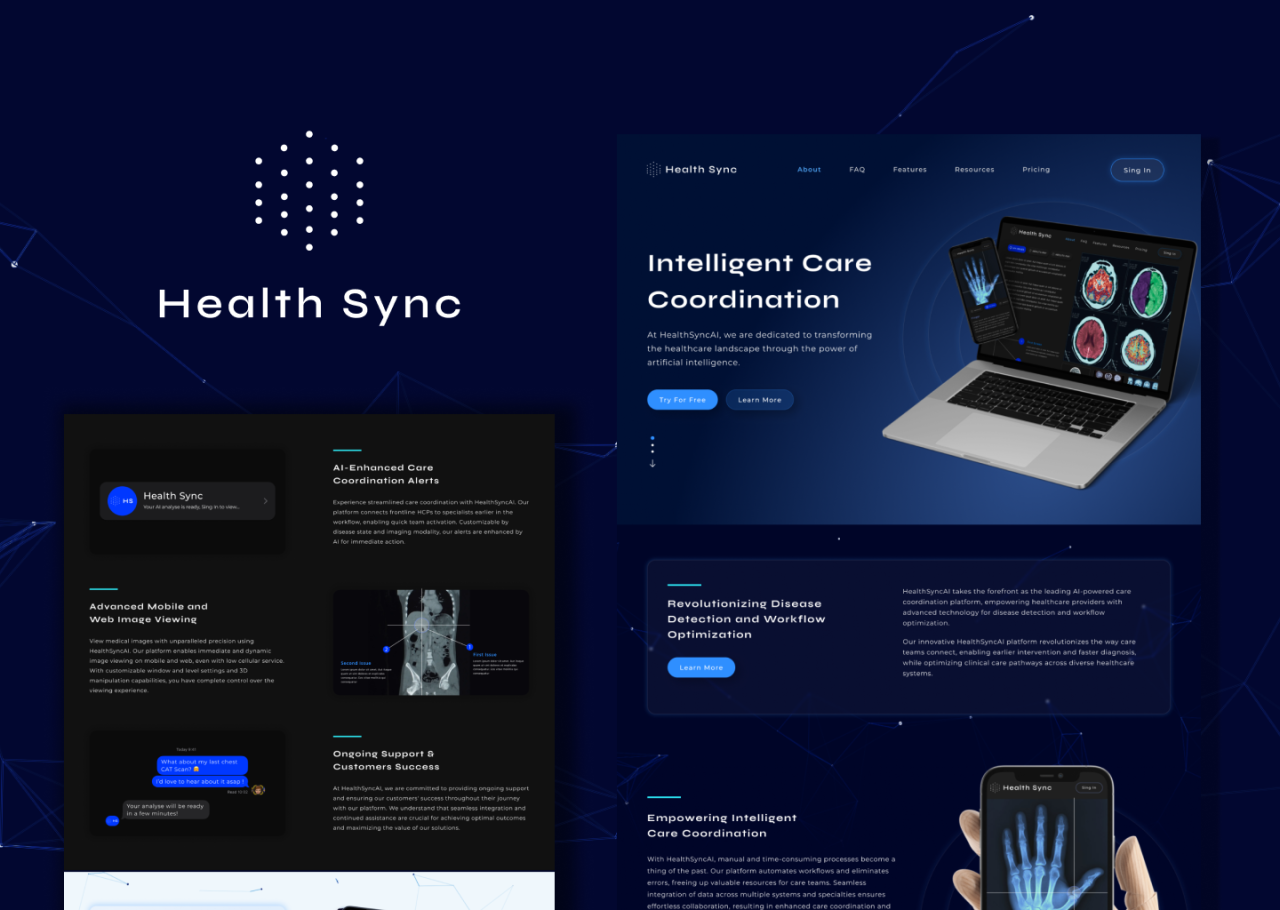
Producing health infographics with AI tools offers an efficient and visually appealing way to communicate complex health data. However, ensuring the accuracy of the visualized information and effectively sharing these resources is essential for credible and impactful dissemination. Proper validation and sharing practices not only uphold data integrity but also enhance accessibility across various platforms, reaching diverse audiences effectively.Validation is a crucial step to confirm that the AI-generated content accurately reflects the underlying data and scientific evidence.
Accurate visualization maintains trustworthiness and prevents misinformation, which can have serious implications in health communication. Sharing infographics effectively involves selecting appropriate embedding methods and optimizing them for various devices, ensuring that the visual content remains clear, engaging, and accessible across different screen sizes and platforms.
Reviewing and Verifying the Accuracy of Visualized Health Data
Before publishing or distributing AI-generated health infographics, a meticulous validation process is essential to ensure all information is precise and reliable. This process involves multiple steps to cross-verify data, visual representations, and sources.
Key steps include:
- Cross-referencing data points with original data sources such as peer-reviewed research, official health reports, or authoritative databases like the World Health Organization (WHO) or Centers for Disease Control and Prevention (CDC).
- Checking the consistency of visual elements, such as colors, scales, and labels, with the actual data to prevent misinterpretation.
- Consulting subject matter experts to review the infographic’s content, especially for technical or nuanced health information, to confirm accuracy and clarity.
- Using validation tools or scripts that can detect discrepancies, such as mismatched data points or formatting errors.
“Rigorous validation ensures that health information remains trustworthy, supporting informed decision-making and public confidence.”
Embedding Infographics into Websites or Reports Using HTML Table Tags
Effective sharing involves integrating infographics seamlessly into digital content. Embedding these visualizations into websites or reports should prioritize clarity, responsiveness, and accessibility. Utilizing HTML table tags provides a structured method to incorporate infographics, especially when presenting multiple related visuals or data segments.
Careful arrangement within tables enhances readability and maintains a professional appearance. For example, when displaying comparative health statistics across regions or time periods, a multi-column table layout can organize data coherently.
| Region | Infographic Overview | Key Data | Sources |
|---|---|---|---|
| North America |  |
85% vaccination coverage | CDC, 2023 |
| Europe |  |
High vaccination rates correlated with case reduction | European CDC, 2023 |
Embedding infographics within HTML tables not only organizes the content effectively but also allows for easy customization and integration into broader web or report layouts.
Optimizing Infographics for Different Devices and Screen Sizes
To maximize the impact and accessibility of health infographics, it is vital to optimize their display across a variety of devices, including desktops, tablets, and smartphones. Responsive design principles ensure that visualizations remain clear, legible, and engaging regardless of screen size.
Best practices for optimization include:
- Using scalable vector graphics (SVG) formats for infographics to allow smooth resizing without loss of quality.
- Applying CSS media queries to adjust the layout, font sizes, and image dimensions dynamically based on the device’s screen size.
- Implementing flexible layout containers, such as percentage-based widths, to adapt images and content blocks fluidly.
- Testing infographics on multiple devices and browsers to identify and resolve usability issues or display inconsistencies.
“Responsive infographics enhance user experience, ensuring critical health messages are accessible and visually compelling on any device.”
Ethical Considerations and Data Privacy
Creating health infographics with AI demands a rigorous adherence to ethical principles and data privacy standards. As visual representations of sensitive health data, these infographics have the potential to inform and educate a broad audience, but they also carry risks related to confidentiality breaches, misrepresentation, and bias. Ensuring responsible use of health data in AI-generated visuals is essential to maintain public trust and uphold professional integrity.Maintaining confidentiality and ethical standards in health data visualization involves implementing strict data governance practices.
It is crucial to use anonymized or aggregated data that prevents the identification of individual patients. Ethical standards also require transparency about data sources, the purpose of the infographic, and the limitations of the data presented. Professionals should adhere to relevant legal frameworks such as HIPAA (Health Insurance Portability and Accountability Act) in the United States or GDPR (General Data Protection Regulation) in Europe, which protect personal health information and dictate data handling procedures.
Guidelines for Responsible Sharing of Health Information
When sharing AI-generated health infographics, it is vital to prioritize accuracy, clarity, and context. Distributing misleading or incomplete information can have serious consequences, including misinformed health decisions or unwarranted anxiety. To avoid this, ensure that all data sources are credible and that the infographic clearly indicates its scope, limitations, and intended audience. Including citations and references enhances credibility and allows viewers to access the original data for further validation.It is also important to consider the potential impact on diverse populations.
Infographics should be free from cultural biases and stereotypes, and they should be designed to cater to different levels of health literacy. When sharing online, select appropriate channels that reach your target audience responsibly, and employ privacy-preserving sharing methods such as secure links or access-controlled platforms to prevent unauthorized dissemination.
Strategies for Accessibility and Inclusivity
Designing health infographics that are accessible and inclusive ensures that vital health information reaches everyone, including individuals with disabilities or those from varied backgrounds. Incorporate features such as high-contrast color schemes and legible fonts to assist viewers with visual impairments. Use simple language and clear visuals to accommodate varying levels of health literacy, avoiding jargon and complex terminology.Additionally, consider alternative formats such as text descriptions, audio narrations, or sign language videos to enhance accessibility.
Cultural relevance and sensitivity are also crucial; avoid imagery or language that could be misinterpreted or that might alienate certain groups. Inclusive design not only broadens reach but also promotes equity in health communication, empowering all individuals to make informed health decisions based on trustworthy information.
Concluding Remarks
In summary, mastering how to generate health infographics with AI combines technological innovation with effective communication strategies. This approach enables health professionals and content creators to produce visually appealing, accurate, and accessible infographics that can be shared across various platforms, ultimately advancing health literacy and data-driven decision-making.